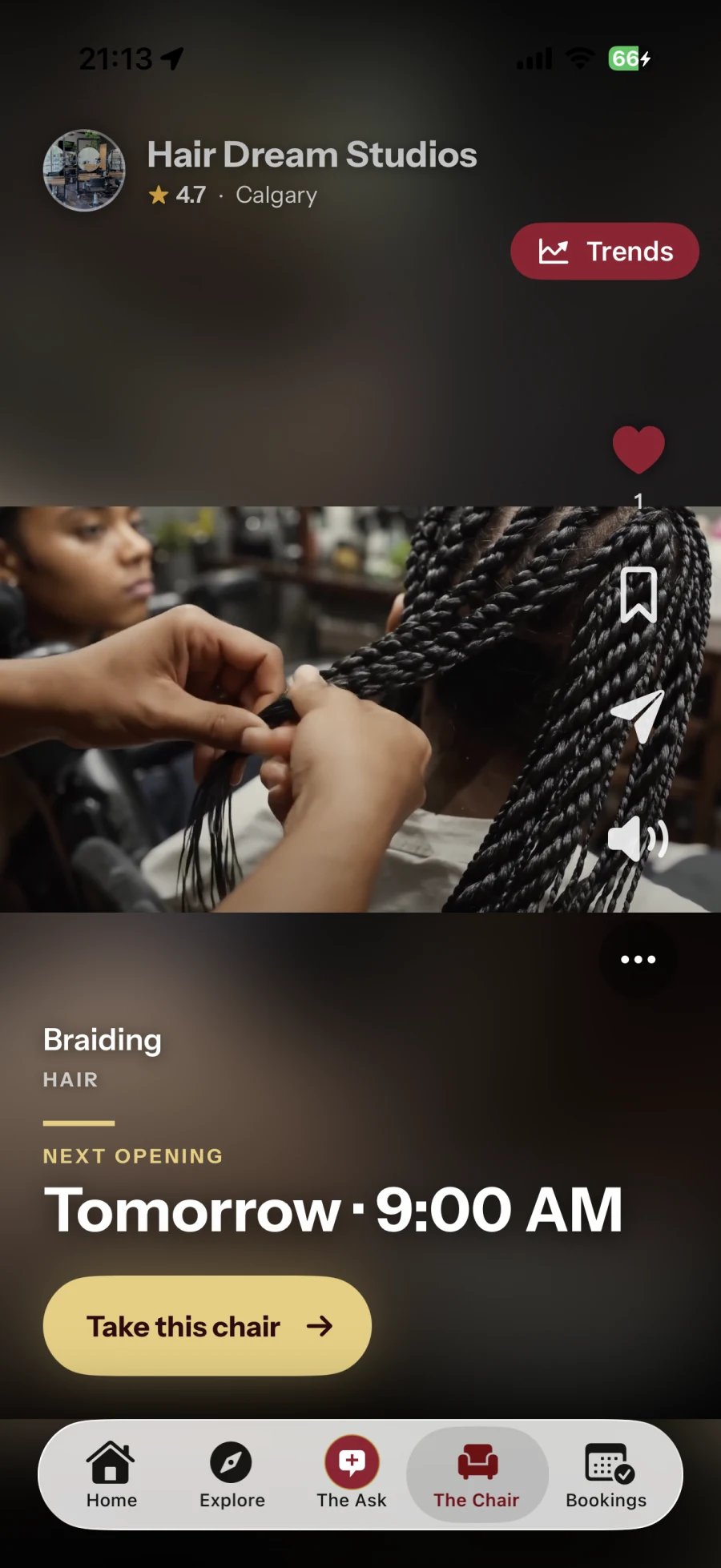
The Chair
Discover through real work
Watch a social feed of short videos, find a style you love and explore the professional behind it.
Explore The ChairA marketplace for beauty, style & wellness
Find a professional through real work and short videos. Request private quotes, book your next appointment—or showcase your own work and connect with new clients.
For professionals: eligible new businesses get 14 days free on Starter. Set up online, with no app download required.
See how it works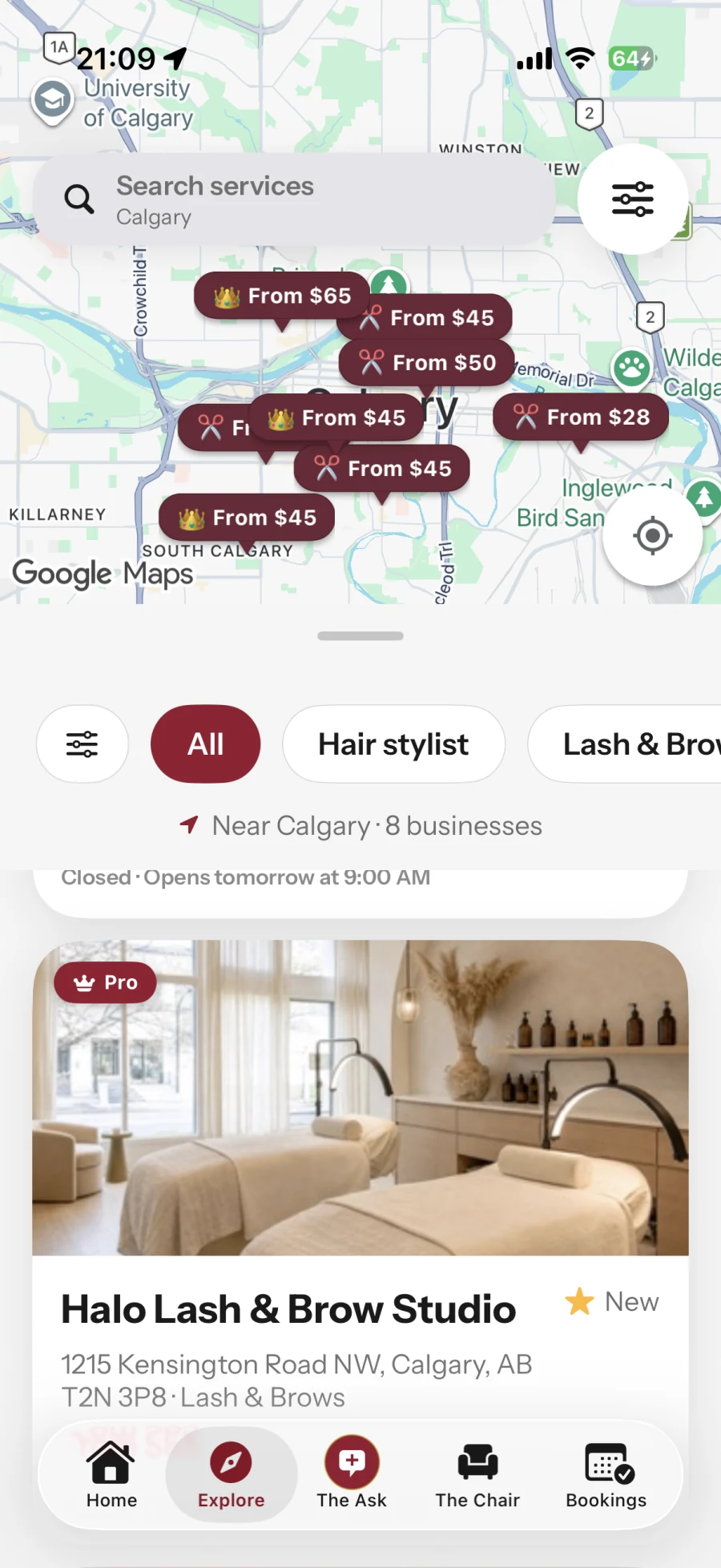
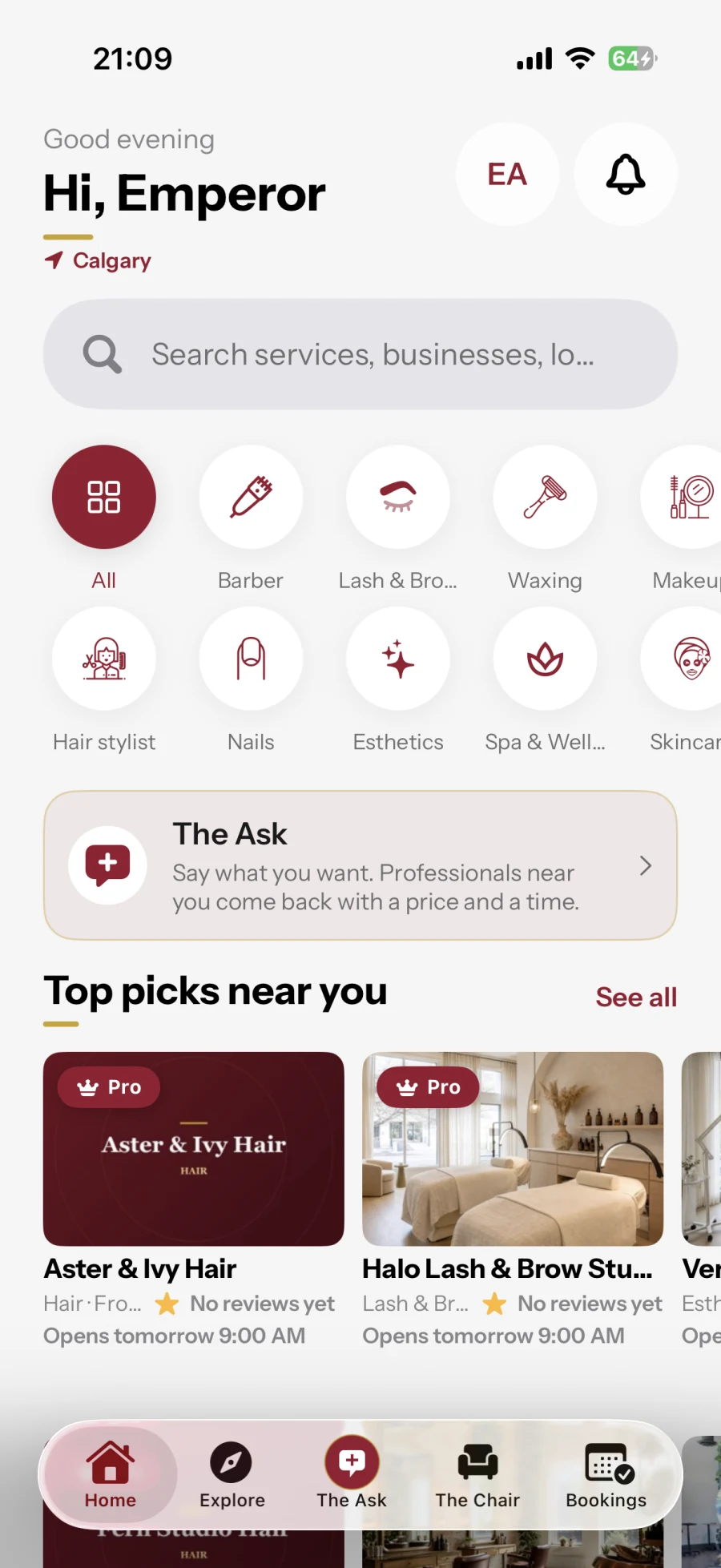
For clients. For professionals.
A marketplace to find your next professional—and a place to grow your business.
The Chair
Watch a social feed of short videos, find a style you love and explore the professional behind it.
Explore The ChairThe Ask
Tell nearby professionals what you need. Compare their private quotes, choose your match and book.
See how The Ask worksFor your business
Share your storefront, take online bookings and deposits, and manage appointments and your team in your browser.
Explore business toolsSee it work
Discover. Connect. Book.
Discover videos through The Chair, request private quotes through The Ask, and book your next appointment.
Explore BurgundyBlendVideo couldn’t load. Check your connection and press play to retry.
For business owners
Create your account, set up your business and manage the day ahead online. No app download required.
Sign up with your business email. Already joined? Sign in and pick up where you left off.
Add your business name, categories and location so your profile starts with the right details.
Review the plan, eligible offers and renewal terms before confirming payment.
Follow your checklist for hours and deposits, then submit your business for review.
Already started? Business sign in. Your saved setup is waiting for you.
Business workspace
Make your next step clear.
Your setup guide
See what’s done and what to do next.
Services and prices added
Opening hours saved
Finish Stripe setup for deposits
Calendar
Your appointments
Services
Prices and durations
Your team
People and hours
Payouts
Stripe setup and status
From an idea to an appointment
01
Browse services and real work, or describe what you need in a request.
02
Compare the service, price and time. With a request, each professional’s quote stays private.
03
Confirm the appointment details and pay any required deposit. Your booking stays in your account.
Featured on BurgundyBlend
Hand-picked featured businesses. Tap any to book online.
Featured businesses will appear here soon. You can browse everyone on the web.
For professionals
Whether you run a tattoo studio, a spa or a makeup business, BurgundyBlend is here for you. Let people discover your clips in The Chair or come to you with a request in The Ask. Turn that interest into a booking, with payments and salon tools to support what happens next.
Manage your team and up to three locations on Pro through the web dashboard.
Get discovered on BurgundyBlendFAQ
Booking, private quotes and what happens next.
On your phone
Real availability, real prices, and a reminder before your appointment. Scan the code and it opens the right store for your phone.



burgundyblend.com/download
Explore
Find top-rated beauty & style professionals in Canada.
Canada